Track stock, vehicles and purchase orders
Keep stock on hand with reorder levels, track vehicle and tool service dates, and turn low stock into a purchase order.
Three small tools keep the practical side of the business in order. All are under the Operations menu.
Inventory
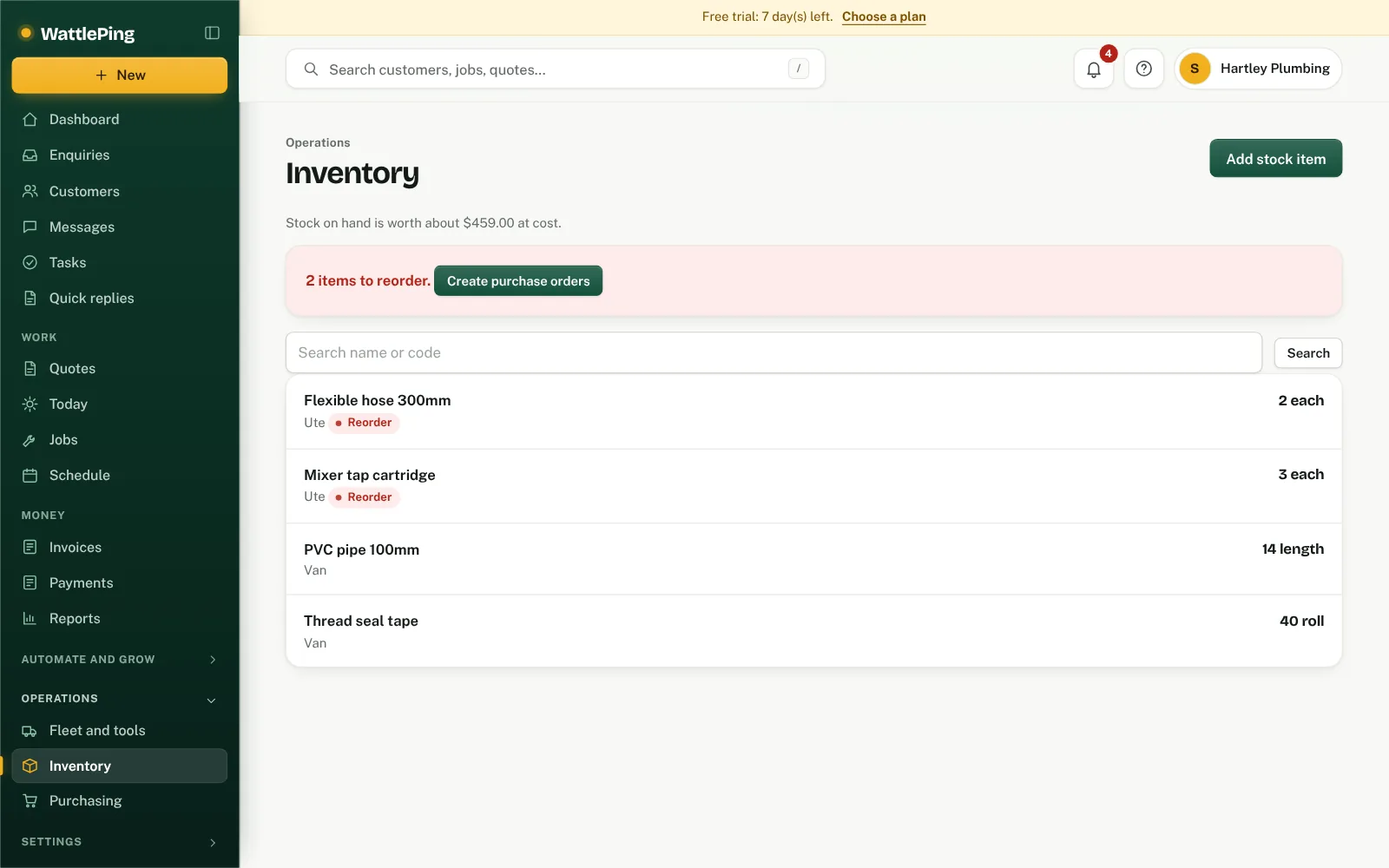
- Open Inventory and tap Add stock item.
- Enter the item, how many you have and a reorder level.
- Use stock on a job with Use stock so the count drops and the cost is recorded.
The page shows what your stock on hand is worth at cost and how many items are at or below their reorder level.
Purchasing
- Open Purchasing and tap New purchase order.
- Or tap Create orders from low stock to build orders for items at or below their reorder level.
Purchase orders are grouped by supplier.
Fleet and tools
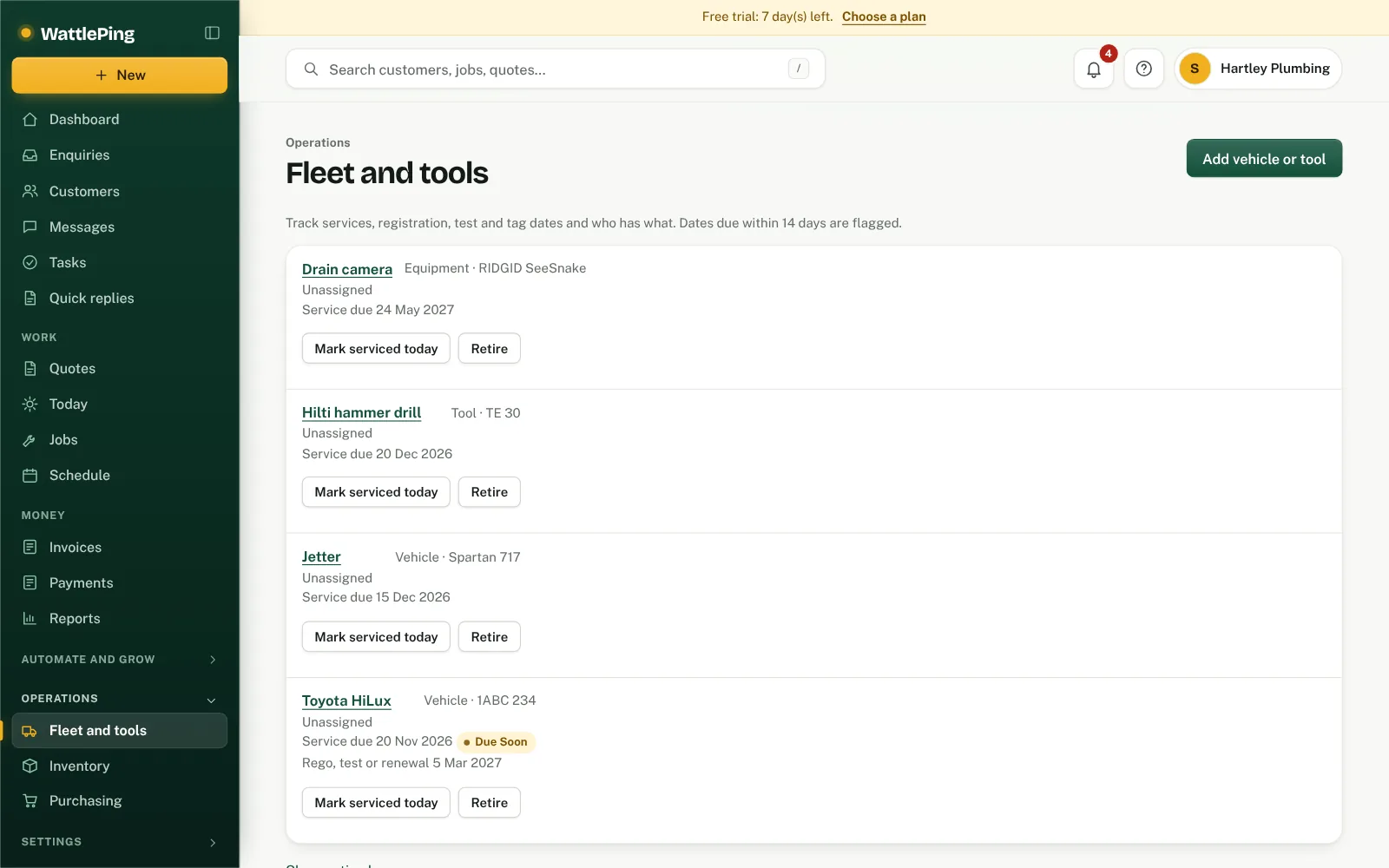
Open Fleet and tools and tap Add vehicle or tool. Track services, registration, test and tag dates and who has what. Dates due within 14 days are flagged, and Mark serviced today updates a service.
Can't find it?
The assistant answers from these articles and tells you when it isn't sure. If it can't help, it passes your question to the team.