Look around with sample data before you add real customers
Load a few example customers, quotes, jobs and invoices to see how WattlePing works, then clear them in one click. No texts go to sample customers.
If you'd like to see WattlePing working before you enter anything real, load the sample data.
Load it
- Open the Dashboard on a new account.
- Find Want a look around first? and choose to load the sample data.
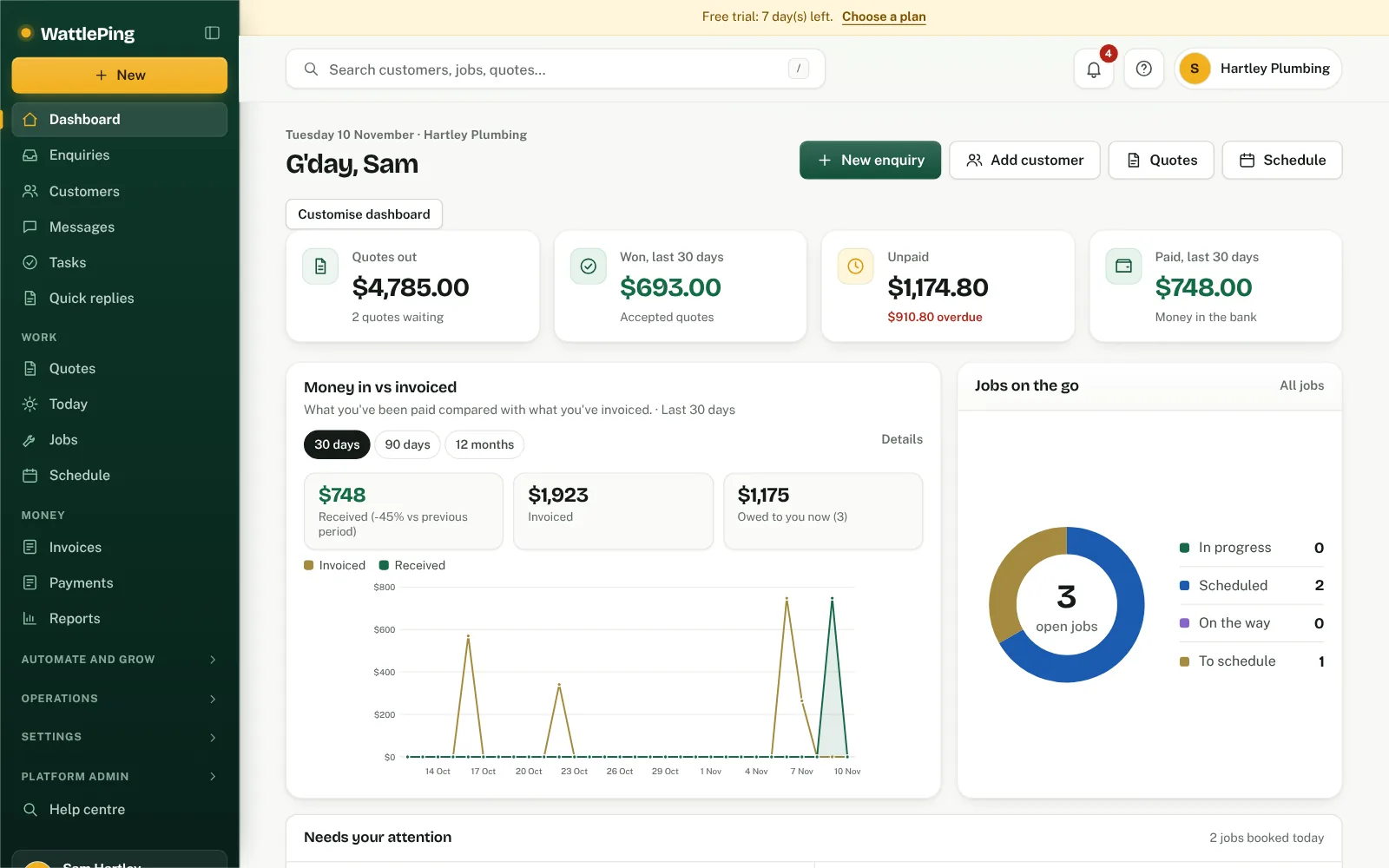
- A few realistic customers, quotes, jobs and invoices appear.
While sample data is loaded, a bar on the dashboard reminds you: You're looking at sample data. Nothing in it is real, and no texts go to those customers.
Clear it
When you're ready, use the button in that bar to clear the sample data with one click. Your own real customers and settings aren't touched.
Good things to try
- Open a sample customer and look at how their enquiries, quotes, jobs and invoices sit together.
- Open a sample quote to see what your customer would see.
- Look at the schedule and the reports.
Can't find it?
The assistant answers from these articles and tells you when it isn't sure. If it can't help, it passes your question to the team.